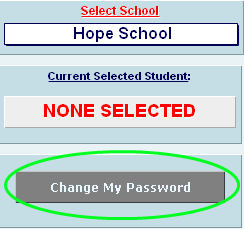
To change your password in the SpEd database, use the grey “Change My Password” button on the main screen. You can only access this button after logging in with your current password.
If you have forgotten your password, please call Laura Rhyner (8898) to retrieve it.
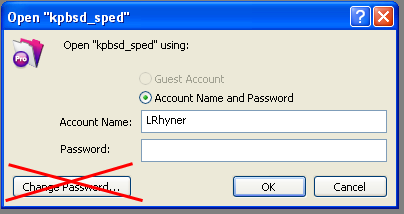
Do not use the small “Change Password…” button on the login screen. Using this button will result in future log-in errors.